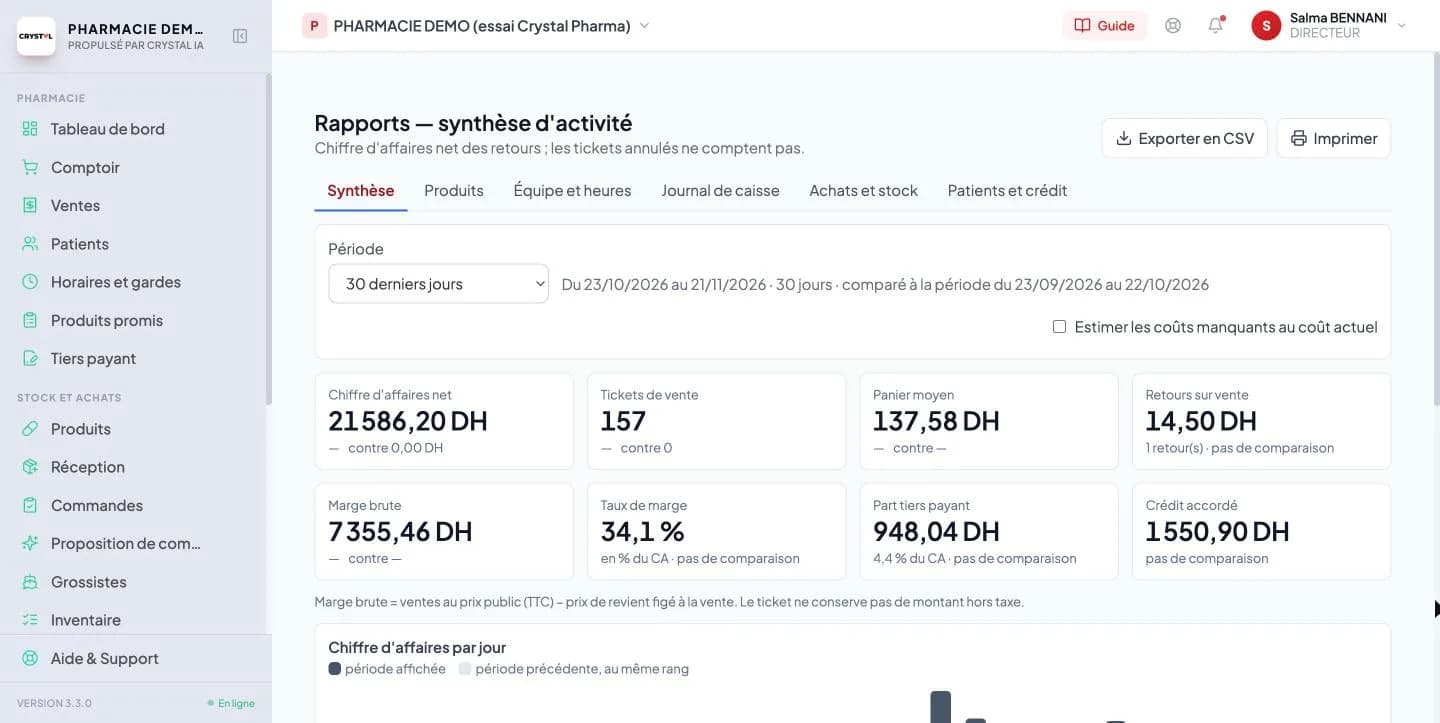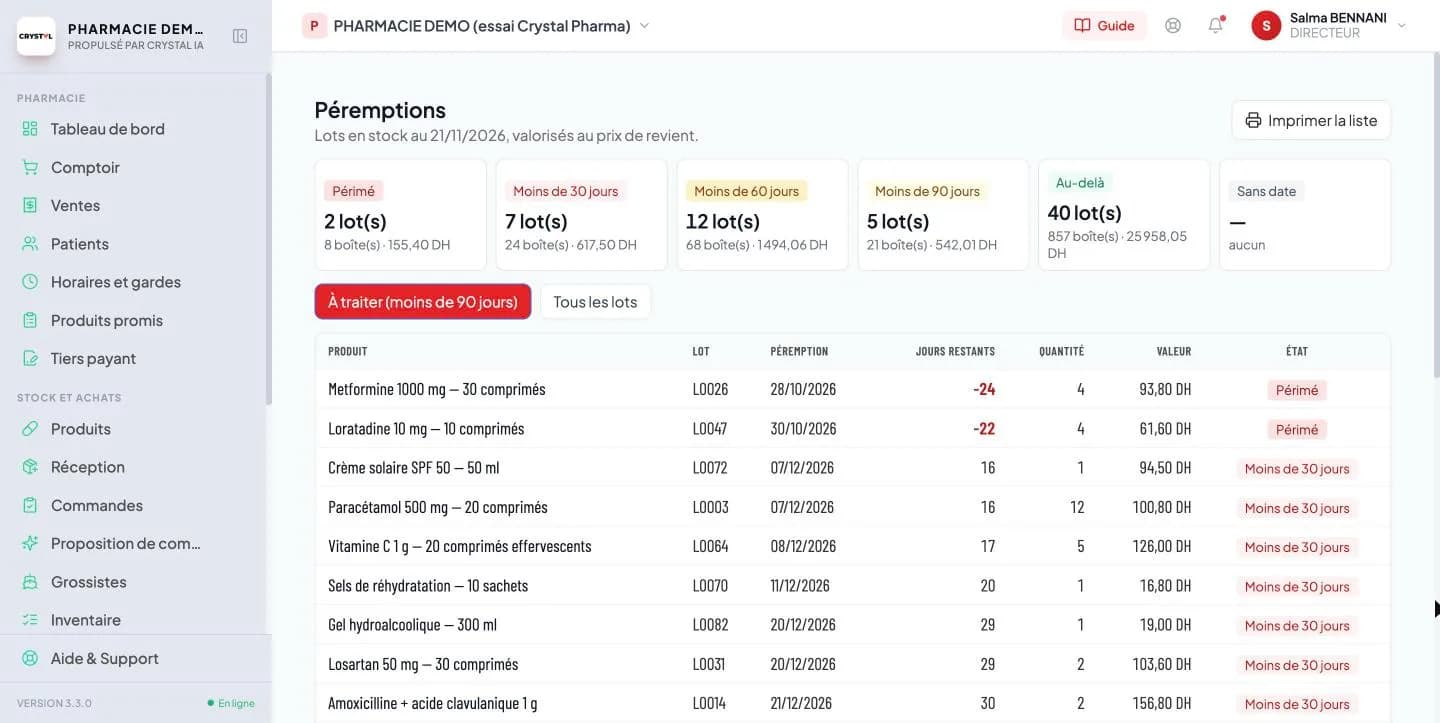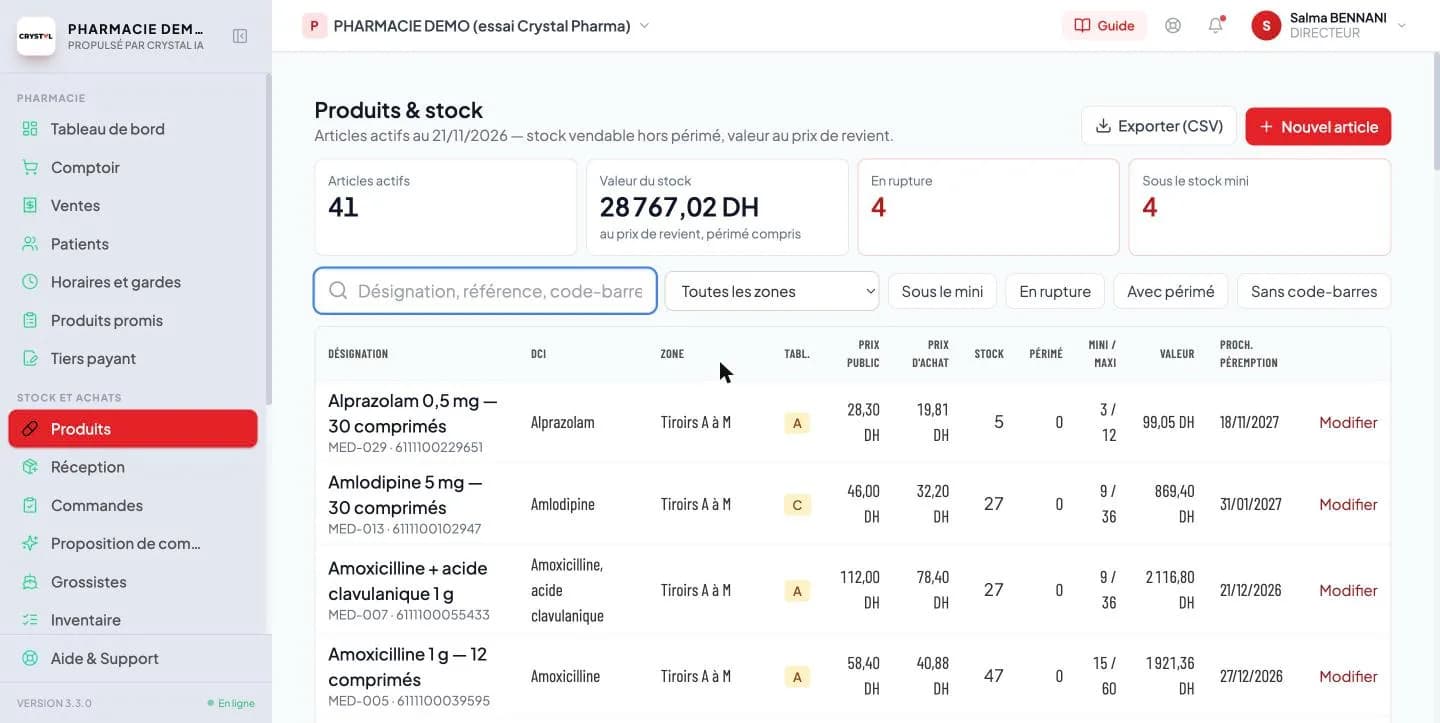
A pharmacy till software is not a simple payment recorder: it is the tool that links every sale to a payment method, every cash amount received to a drawer balance, and every session to a summary the accountant can use. In a Moroccan pharmacy where cash, card and cheque sales follow one another throughout the day, and where third-party payer and credit sales generate deferred encashments, the till must distinguish what is collected immediately from what is to be claimed. Without this structure, closing the till becomes a manual reconciliation exercise that can take an hour — ending with a discrepancy nobody can explain. Our Pharmacy module (Crystal Pharma, our pharmacy management software), developed by CRYSTAL IT in Rabat with over 20 years of experience serving Moroccan SMEs, structures the till end to end: opening with an opening float, cash entries and exits during the day, closing with drawer count and discrepancy displayed, till journal exportable as CSV for handover to the accountant. This guide explains how each of these steps works and what a pharmacy should expect from them.
Pharmacy till software: what the till must cover in a pharmacy
A pharmacy till differs from an ordinary retail till on one central point: not all encashments are immediate. A third-party payer sale generates a partial encashment at the counter — the patient share — and a receivable from the insurer. A credit sale collects nothing immediately and feeds the patient's credit account. Both types must appear in the till session — to make the till journal complete — but must not be confused with actual cash collected in the drawer. A suitable pharmacy till software makes this distinction automatically, without the assistant having to sort lines manually.
Beyond payment methods, a pharmacy till must also record cash movements that are not sales: giving change, adding funds during the day, withdrawing for current expenses. These cash entries and exits must be traced in the session for the drawer count at closing to have meaning. Without this, an unrecorded withdrawal creates an unexplained till discrepancy at closing — even though the day contained no sales error. For a complete overview of Crystal Pharma functions, see our guide on pharmacy management in Morocco (Choosing pharmacy management software in Morocco).
- Cash, card and cheque sales are collected immediately: they feed the drawer balance.
- Third-party payer sales collect the patient share and record a receivable from the insurer — two distinct lines.
- Credit sales collect nothing immediately: they feed the patient's credit account.
- Cash entries and exits outside sales (adding funds, withdrawals) must be traced in the session.
- Till closing compares the theoretical balance calculated by the software with the balance counted in the drawer.
Opening a till session: opening float and configuration
In Crystal Pharma, each day begins with opening a till session. Opening a session serves to record the opening float: the cash amount available in the drawer at the start of the day, before any sale. This opening float is the reference from which the theoretical drawer balance is calculated as encashments and cash exits accumulate. Without a defined opening float, the closing count has no basis for comparison — the discrepancy displayed at the end of the day means nothing.
The opening float may vary from one day to the next, depending on whether the drawer was completely emptied the previous day or a change reserve was left. What matters is that the session is opened before the first sale of the day, so that all transactions are linked to the right session. In pharmacies that run night shifts, a session may cover several teams and cross midnight — Crystal Pharma supports this case, with sales linked to the relevant shift. Shift management is detailed in the dedicated section of this guide. For managing third-party payer sales and their link to the till session, the dedicated article (Third-Party Payer in Moroccan Pharmacies) gives the detail on share calculation and receivables tracking.
- Opening the session records the opening float: cash amount available before the first sale.
- The opening float is the reference for calculating the theoretical balance throughout the day.
- All sales and cash movements are linked to the session open at the time of their recording.
- A session can cross midnight to cover a night shift — sales are linked to the relevant shift.
- Opening the session before the first sale ensures the till journal is complete from the first encashment.
During the day: sales, cash entries and exits
During the session, Crystal Pharma automatically records every sale in the till journal with its payment method: cash (F2), card (F4) or cheque. Third-party payer sales distinguish between the encashment of the patient share and the receivable recorded from the insurer. Credit sales appear in the session with a zero encashment amount, but the movement is traced. This granularity allows reconciling the till journal with the drawer at closing, without having to reconstruct the day line by line.
Cash movements that are not sales — adding funds during the day, withdrawals for current expenses, giving change at opening — are recorded in the session as cash entries or exits. These movements are added to or subtracted from the theoretical drawer balance. Without this traceability, an unrecorded withdrawal creates an unexplained till discrepancy at closing — even though the day contained no sales error. The protection against double encashment is also active during the session: if the connection drops during validation, restarting the same sale returns the existing receipt without a second movement in the till or in stock.
- Every sale is recorded in the session with its payment method: cash, card or cheque.
- Third-party payer sales distinguish the immediate encashment of the patient share from the insurer receivable.
- Credit sales appear in the session with no immediate encashment, but the movement is traced.
- Cash entries and exits outside sales are recorded manually in the session and modify the theoretical balance.
- Protection against double encashment: a sale interrupted during validation returns the receipt without a second movement.
Closing the session: drawer count and discrepancy analysis
Closing a session in Crystal Pharma follows a two-step process. First, the software displays the theoretical drawer balance: opening float, plus the day's cash encashments, minus recorded cash exits. The assistant or head pharmacist then counts the physical drawer and enters the counted amount. The software calculates and displays the discrepancy between the two values. If the discrepancy is zero, the day is balanced. If it is positive or negative, the closing displays it clearly, without rounding or masking the difference.
A till discrepancy always has an explanation: an unrecorded cash exit, a change error, an encashment entered with the wrong payment method. The session's till journal, viewable line by line, makes it possible to find the source of the discrepancy without having to question the team immediately. This traceability is one of the concrete advantages of a pharmacy till software over a standalone cash drawer or a manual count sheet. Once closing is confirmed, the session is locked: it is no longer possible to modify the day's encashments. The detailed CSV export of the closed session is available immediately for handover to the accountant. Crystal Pharma states that this export is not an accounting entry: it provides the raw data that the accountant integrates into their bookkeeping.
- Two-step closing: theoretical balance displayed by the software, then physical drawer count entered by the assistant.
- The discrepancy between theoretical and counted balance is displayed clearly, without rounding or masking.
- The till journal line by line allows finding the source of a discrepancy without manual reconstruction.
- The closed session is locked: no modification of the day's encashments is possible after confirmation.
- Detailed CSV export of the closed session, to be handed to the accountant — not an accounting entry.
Shifts and night calls: linking encashments to the right team
On-call pharmacies face a specific constraint: the day does not end at the usual closing time. A shift may begin in the late afternoon and end the following morning, with night sales recorded between two distinct teams. In Crystal Pharma, shifts are planned with their hours, and a shift can cross midnight without creating a linking problem: sales made during the shift are associated with it, with a shift summary available at the end of the period. This summary allows the head pharmacist to know the exact activity of the shift — sales volume, encashments, payment methods — without having to manually sort the till journal lines.
Linking sales to a shift works in conjunction with user profile management: Crystal Pharma distinguishes the head pharmacist from the assistant, with rights controlled server-side and an audit log. This distinction makes it possible to know, for every sale, which profile recorded it and which shift it is linked to. The reports available in our Pharmacy module (Crystal Pharma, our pharmacy management software) cover the team and hours, allowing till activity to be cross-referenced with attendance periods. For stock and batch management during shifts, in particular the priority exit of batches expiring soonest, the article on pharmacy stock management (Pharmacy Stock Management in Morocco) completes this guide.
- Shifts are planned with their hours in Crystal Pharma; a shift can cross midnight.
- Sales made during a shift are linked to it, with a shift summary available.
- The shift summary details sales volume, encashments and payment methods for the period covered.
- Head pharmacist and assistant profiles with server-side controlled rights and an audit log.
- 'Team and hours' report: cross-reference till activity with team attendance periods.
A Moroccan pharmacy till is not an accessory: it is the point of convergence of all sales, all payment methods and all cash movements during the day. A well-conducted closing — with a defined float, a complete journal and a clearly displayed discrepancy — gives the head pharmacist a faithful picture of their activity and simplifies the accountant's work. Our Pharmacy module (Crystal Pharma, our pharmacy management software) structures this chain end to end: opening the session with an opening float, traceability of every encashment and every cash movement, closing with drawer count and discrepancy analysis, CSV export for handover to the accountant. Night shift management is integrated: a shift can cross midnight, and the shift summary is available at any time. Crystal Pharma is developed by CRYSTAL IT in Rabat with over 20 years of experience serving Moroccan SMEs, and is in a pilot phase with partner pharmacists. To see how it adapts to your pharmacy's organisation, request a demonstration at (Crystal Pharma, our pharmacy management software).
The CRYSTAL IT solution on this topic
Have a project or a question? Let's talk with a CRYSTAL IT expert.
Request a demo