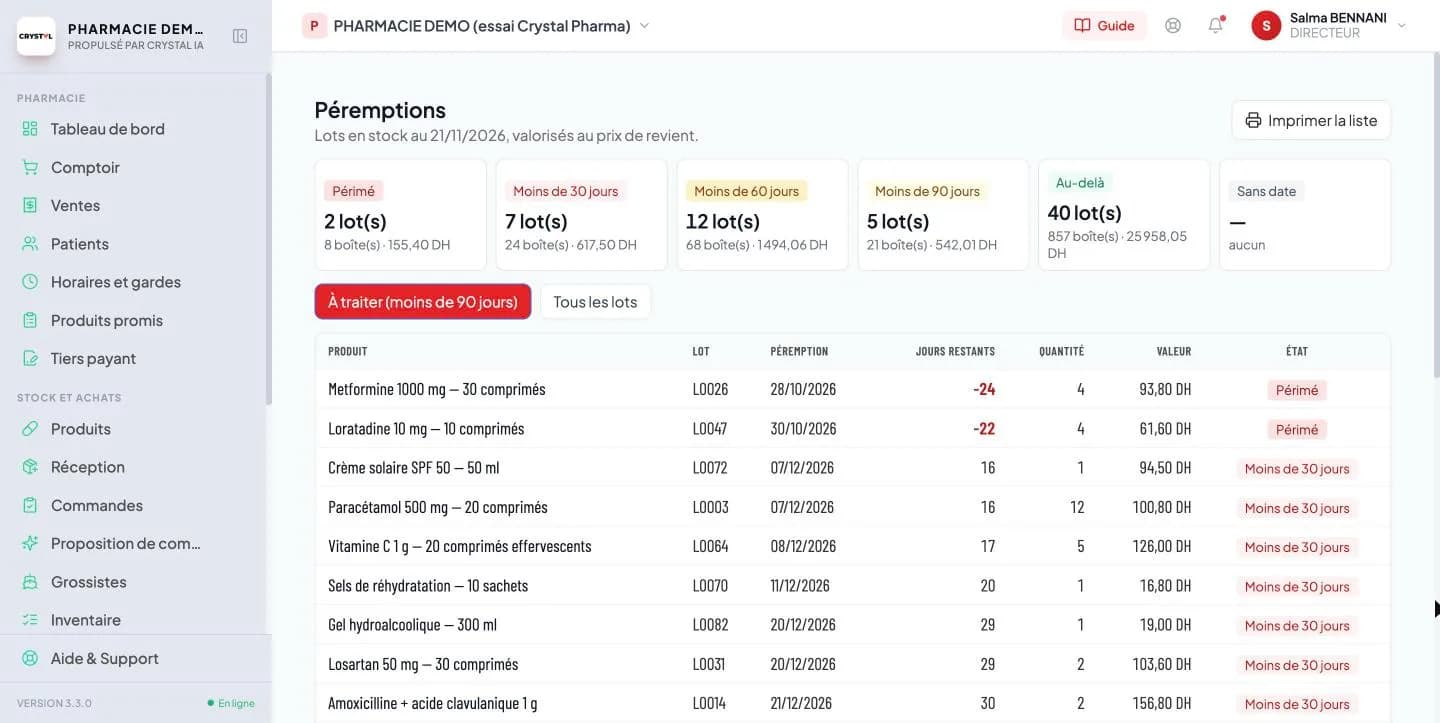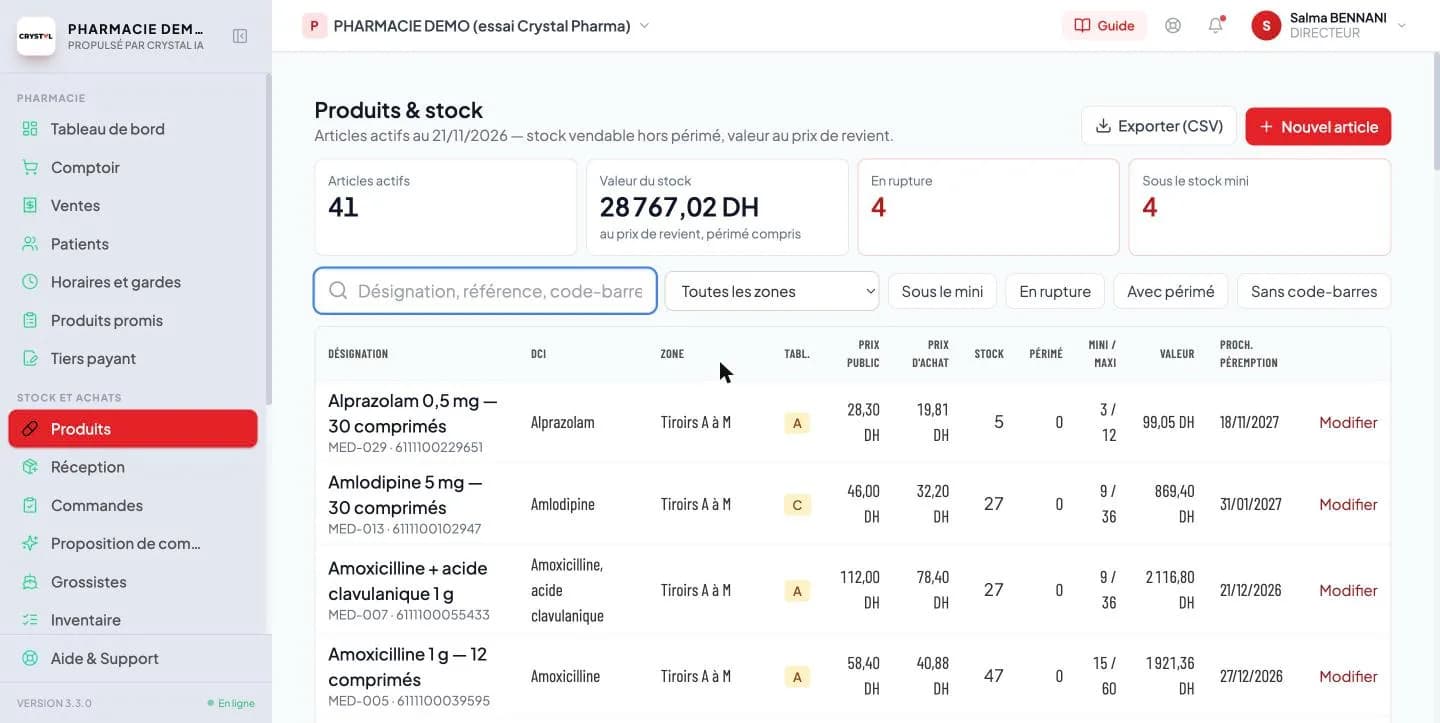
An on-call shift is a distinctive moment in the life of a Moroccan pharmacy: hours are extended, the team may be reduced, patients sometimes arrive in urgent need, and the till must run without error even in the middle of the night. The question is not who is assigned for duty — that calendar is set locally by the relevant authorities — but how to organise the pharmacy from the inside so the shift runs smoothly: who is on duty, how the till session is opened, how night-time sales are linked to the right period, and how the responsible pharmacist has a clear summary at the end of the shift. Without a structured tool, this tracking relies on paper notes, manually rebuilt tills and a memory that lets people down the next morning. Our Pharmacy module (Crystal Pharma, our pharmacy management software), developed by CRYSTAL IT in Rabat with over 20 years of experience serving Moroccan SMEs, integrates shift management into the software: scheduling duty periods, automatically linking sales to the active shift, a duty report available at the end of the period and a team-and-hours report. This guide explains how to prepare and run an on-call pharmacy in Morocco, and what Crystal Pharma takes care of to ease that organisation.
On-call pharmacy: what internal organisation needs to cover
An on-call shift changes the pharmacy's usual organisation in several ways. Hours extend beyond the normal working day, often into late at night or early morning. The team may be reduced to one or two members. The types of sale do not change — over-the-counter products, prescription medicines, with or without third-party payment — but the volume of urgent sales is generally higher, with a larger share of regulated-schedule medicines that require a prescription and a record in the dispensing register. These conditions call for specific preparation: stock must be adequate on the most commonly needed references, the till must be opened with its float before the first sale, and every team member on duty must know their rights and responsibilities in the software.
Beyond immediate preparation, an on-call shift raises a traceability question: how can reports and the till distinguish what was sold during the shift from what was sold during regular hours? In a pharmacy without structured software, this distinction is often lost — the next day's till mixes the two periods, and the duty report is reconstructed from the paper log or the assistant's memory. Suitable pharmacy software must link each sale to the relevant shift, produce a duty report as soon as the period ends, and export the data for the accountant. For a general overview of Crystal Pharma's features, see our guide to pharmacy management in Morocco (Choosing pharmacy management software in Morocco).
- An on-call shift changes the hours, reduces the team and usually raises the share of urgent sales — specific preparation is required.
- Stock of the most commonly needed references must be checked before the shift starts to avoid shortfalls during quiet hours.
- The duty till must be opened with its float before the first sale of the period.
- Traceability must allow what was sold during the shift to be distinguished from the rest of the day's activity at the end of the period.
- A clear duty report at the end of the period simplifies the work of both the responsible pharmacist and the accountant.
Scheduling shifts: periods, hours and team in Crystal Pharma
In Crystal Pharma, shifts are scheduled directly in the software. The pharmacy can set its usual opening and closing hours and schedule duty shifts with their specific periods — start and end — which can cross midnight without creating any attribution problem. This scheduling is the foundation of tracking: every sale recorded during a duty period is automatically linked to the active shift, with no extra step from the assistant. There is no 'duty mode' to switch on manually: it is the scheduled period that determines which shift each transaction belongs to.
User profile management works alongside shift scheduling. Crystal Pharma distinguishes the responsible pharmacist from the assistant, with server-side access control and an audit log. This distinction makes it possible to know, for each sale, which profile recorded it and which shift it belongs to. In pharmacies that schedule several shifts in a month, each shift is created with its own hours and duty reports are available separately for each. This data feeds into the team-and-hours report, which cross-references till activity with attendance periods. For the full workings of the till and its close — which apply equally during shifts — see the pharmacy till article (Pharmacy Till Management in Morocco).
- Shifts are scheduled in Crystal Pharma with their periods (start and end); a shift can cross midnight.
- Every sale recorded during a duty period is automatically linked to that shift, with no manual action.
- No 'duty mode' to activate: the scheduled period determines which shift each transaction belongs to.
- Responsible pharmacist and assistant profiles with server-side access control and audit log.
- Multiple shifts in a month can be scheduled separately, each with its own duty report available at the end of its period.
The duty till: opening the session and linking receipts
During a shift, the till works on the same principle as during regular hours: the session is opened with a float, sales are recorded with their payment method — cash (F2), card (F4) or cheque — and cash movements outside sales are logged in the session. The difference lies in attribution: sales recorded during the duty period are linked to that shift, allowing the responsible pharmacist to find the exact breakdown of the shift's receipts at the end of the period without manually sorting the full day's journal. Without this automatic attribution, the next day's till mixes the two periods and the duty report cannot be properly established.
When a shift crosses midnight, Crystal Pharma handles this without any attribution issue: sales made after midnight stay linked to the ongoing shift even if they carry the next day's date. The duty session can be closed at the end of the period by the assistant or the responsible pharmacist, depending on the pharmacy's organisation. The difference between the theoretical balance calculated by the software and the amount counted in the drawer is displayed clearly at close — immediately identifying any missed receipt or unrecorded cash movement. The detailed CSV export of the closed session is available immediately for the accountant, and is not an accounting entry. Our Pharmacy module (Crystal Pharma, our pharmacy management software) brings this management into an online application with no local installation.
- The duty till session opens with a float before the first sale of the period.
- Shift sales are automatically linked to the ongoing period, even when the shift crosses midnight.
- Close with drawer count and gap displayed: any difference is immediately visible.
- CSV export of the closed session for the accountant — not an accounting entry.
- Protection against double-charging: a sale interrupted mid-validation returns its existing receipt without a second till movement.
Stock, dispensing register and controlled-drug register during the shift
An on-call shift does not change the stock rules: the counter always issues the lot expiring soonest (FEFO), and no expired lot can be sold regardless of the time. Sales of medicines from regulatory schedules A, B or C always require a prescription sale type with the prescriber's name entered. These rules apply during the shift exactly as they do during regular hours. What changes on duty is often the nature of requests: more urgent medicines and more prescriptions from on-call doctors. The assistant must ensure that the references most commonly needed in this context are adequately stocked before the shift starts, using the shortage and minimum-level filters available in the Crystal Pharma catalogue.
The dispensing register and the controlled-drug register continue to fill automatically during the shift. Every sale of a listed medicine feeds the dispensing register, and every controlled-drug movement updates the register with its running balance in real time — with no extra action from the duty assistant. Any stock entries during the shift — a loan from a colleague, for instance — are recorded normally in the software. For the detailed workings of the dispensing and controlled-drug registers in Crystal Pharma, see the dedicated article (Prescription Logbook and Controlled Substances Register in Moroccan…). Crystal Pharma does not offer a synchronised offline mode: the shift requires an active internet connection to record sales.
- FEFO and expired-lot blocking active throughout the shift: stock rules apply around the clock.
- Schedule A, B and C medicines: entering the prescriber's name remains mandatory at any hour of the shift.
- Dispensing register filled automatically at every listed-medicine sale during the shift.
- Controlled-drug register updated in real time at every entry and exit, even during a night shift.
- Crystal Pharma requires an active internet connection: no synchronised offline mode.
Duty report and analytics: reviewing activity after the period
The duty report becomes available as soon as the scheduled period ends. It summarises the exact activity of the shift: sales volume, receipts by payment method, sales by type (over-the-counter, prescription, third-party payment, credit) and a breakdown of cash movements. This report allows the responsible pharmacist to understand the shift's activity without manually sorting the full day's till journal. It can be exported and printed for the accountant, who can integrate it into the period's accounts without manual reconstruction. This immediate availability is one of the concrete advantages of software that links sales to a shift from the moment they are recorded.
Beyond the duty report, Crystal Pharma provides a team-and-hours report that cross-references till activity with the team's attendance periods. This report shows, for each user profile, the sales recorded over a given period — which for a night shift means being able to distinguish what each assistant sold during their slot. The synthesis, products and stock-and-purchases reports complete the picture available after the shift. The daily dashboard is accessible in real time during the shift, so the responsible pharmacist can monitor activity remotely if the pharmacy has a connection. Our Pharmacy module (Crystal Pharma, our pharmacy management software) brings all these tools together in an online application developed by CRYSTAL IT in Rabat with over 20 years of experience serving Moroccan SMEs.
- Duty report available at the end of the period: sales volume, receipts and breakdown by sale type.
- The report is exportable and printable, for the accountant to integrate into the period's accounts.
- Team-and-hours report: distinguish sales by user profile for each duty slot.
- Daily dashboard accessible in real time during the shift for remote monitoring.
- Synthesis, products and stock-and-purchases reports available after the shift for full oversight.
An on-call shift is one of the moments when the pharmacy's internal organisation is most under pressure: a reduced team, extended hours, urgent sales, and the need to produce a clear summary at the end of the period. Our Pharmacy module (Crystal Pharma, our pharmacy management software) structures each of these dimensions: scheduling duty periods, automatically linking sales to the ongoing shift even when it crosses midnight, a duty till with float and close with gap displayed, and an exportable duty report for the accountant. The dispensing register and the controlled-drug register continue to fill automatically throughout the shift, with no extra action required. CRYSTAL IT, based in Rabat with over 20 years of experience serving Moroccan SMEs, develops this module in a pilot phase with partner pharmacists. To see how it adapts to your pharmacy's shift organisation, request a demonstration at (Crystal Pharma, our pharmacy management software).
The CRYSTAL IT solution on this topic
Have a project or a question? Let's talk with a CRYSTAL IT expert.
Request a demo