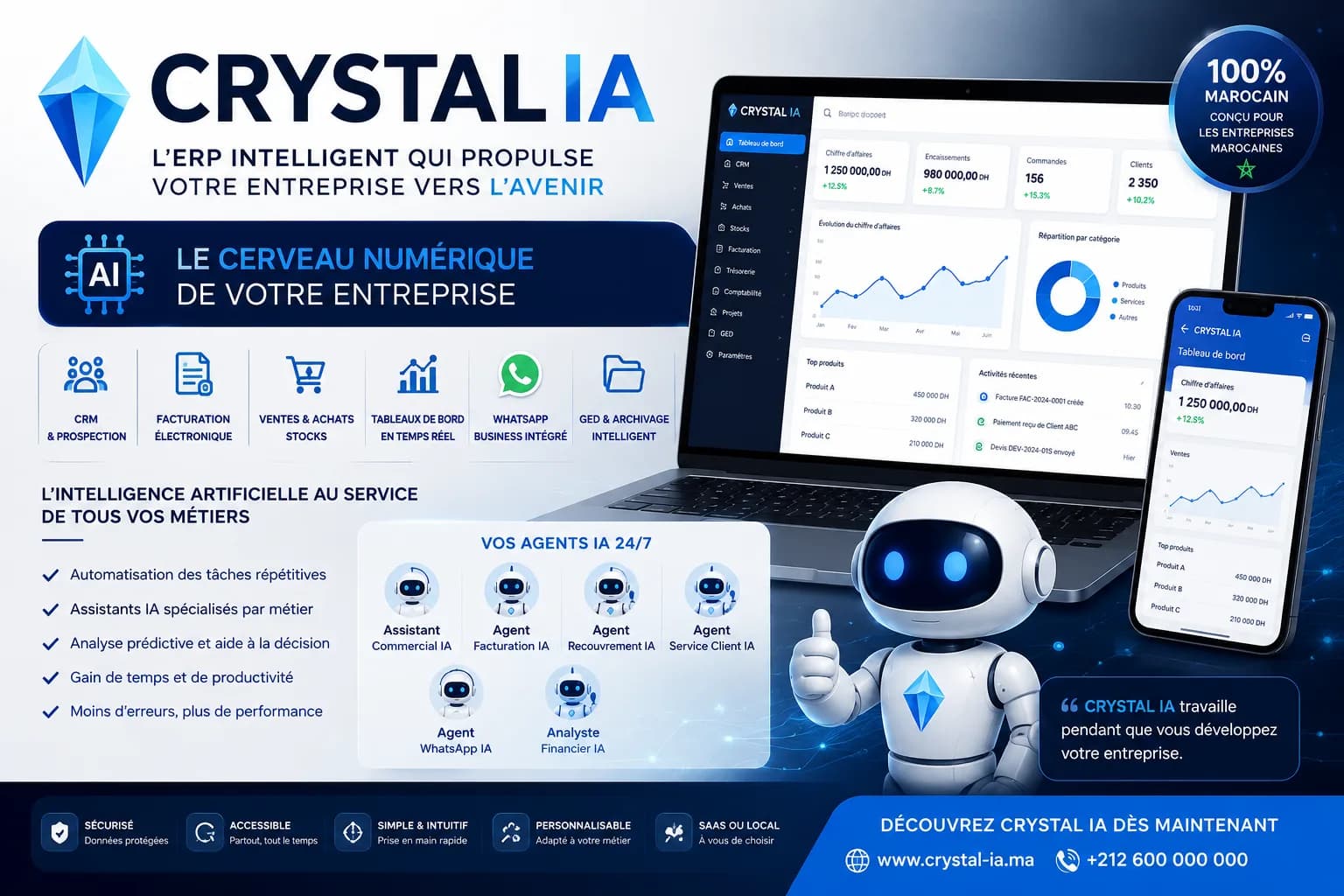
For most managers of Moroccan SMEs, commercial performance stays a black box until the monthly close: they know the team is working, they get verbal updates in meetings, and they discover the actual revenue when it is too late to course-correct. This gap between daily activity and manager visibility is one of the most common barriers to controlled growth for Moroccan SMEs. A commercial dashboard changes this equation fundamentally: it makes visible, in real time, what each sales rep achieves, how many opportunities are in progress, what the quote-to-order conversion rate is, and where bottlenecks lie in the sales cycle. This is not a tool reserved for large companies with dedicated BI teams — it is a function that Crystal ERP (erp.crystalit.ma), developed by CRYSTAL IT in Rabat with more than 20 years of experience, integrates natively in its commercial management (Business management software in Morocco: the complete guide for SMEs) and CRM (CRM software in Morocco: managing client relationships and growing…) modules. This guide explains which KPIs to track, how to structure a commercial pipeline, and how to set up this steering process without a complex IT project.
Why Moroccan SMEs need a dedicated commercial dashboard
In most Moroccan SMEs, commercial management still relies on informal habits: each sales rep keeps their prospect list on their phone, quotes are tracked in a shared spreadsheet that is updated sporadically, and the manager must call their team to get a sense of how current deals are progressing. This approach holds when the team is small and the deal volume is limited, but it becomes an obstacle the moment activity grows. Information fragments, follow-ups fall through the gaps, and the manager navigates blind while waiting for end-of-month figures to make decisions.
A commercial dashboard is distinct from a general business steering dashboard (Business dashboard in Morocco: managing your company in real time): it focuses exclusively on the commercial dimension — prospecting, quotes, open opportunities and sales team performance. For a manager overseeing 2 to 5 sales reps, this is the difference between knowing where things are going and hoping they work out. In a Moroccan market where competition is intensifying across all sectors, commercial responsiveness is a competitive advantage that only real-time visibility makes possible to exploit.
- No real-time visibility: revenue is only known at month end, after the accounting close — too late to adjust the commercial strategy.
- Open quotes untracked: no way to know how many quotes are awaiting a client response and for what total value.
- Conversion rate unknown: without a tool, there is no measure of what percentage of prospects becomes a client or at which stage deals are lost.
- Commercial productivity unmeasured: which sales rep is performing, which one needs support — without data, the manager relies on impressions.
- Delayed reaction: performance gaps are detected at month end when it is too late to correct the course in the current period.
The essential commercial KPIs to monitor in a Moroccan SME
A commercial dashboard is only as useful as the indicators it tracks actually reflect the health of the sales activity. For a Moroccan SME, five KPIs form the indispensable foundation. The first is actual revenue versus target, consulted in real time by period — day, week, month, quarter. The second is the quote-to-order conversion rate, which measures commercial effectiveness; a falling rate usually signals a problem with pricing, the offer or follow-up. The third is the number of active opportunities and their cumulative value — the instant snapshot of the pipeline. The fourth is the average sales cycle length, from first contact to confirmed order. The fifth is productivity per sales rep: contacts made, quotes sent and orders converted over the period.
Beyond these five core indicators, the dashboard must allow filtering along multiple dimensions: by sales rep, by product or service family, by geographical zone, by customer segment. This level of granularity is what transforms a basic report into a genuine steering tool. Crystal ERP integrates these filters directly in its CRM (CRM software in Morocco: managing client relationships and growing…) and commercial management (Business management software in Morocco: the complete guide for SMEs) modules, with no need to export or process data manually.
- Revenue vs target: the indicator consulted in real time — daily, weekly, monthly, quarterly — without waiting for the accounting close.
- Quote → order conversion rate: measures team commercial effectiveness; a low rate identifies a stage in the sales cycle that needs reinforcing.
- Number and value of active opportunities: the instant snapshot of the pipeline — how many deals are in progress and for what total potential.
- Average sales cycle length: measures time from first contact to order — helps identify bottlenecks and obstacles in the sales process.
- Productivity per sales rep: contacts made, quotes sent, orders signed — to detect gaps within the team and intervene at the right time.
Visualising the commercial pipeline: from opportunity to order
The commercial pipeline is at the heart of commercial visibility. It shows all ongoing opportunities ranked by stage: prospecting, first contact, quote sent, quote under negotiation, deal won or lost. At each stage the manager sees the number of opportunities and their cumulative value. A healthy pipeline is one where the flow is consistent at each stage — a sharp drop between 'quote sent' and 'quote under review' may signal a follow-up problem, while a drop between 'under negotiation' and 'won' may indicate a pricing gap or a poorly calibrated proposal. Without this visualisation, the manager discovers lost deals after the fact with no way to identify the cause.
Crystal ERP tracks each opportunity from first contact to order confirmation. When a sales rep enters a quote in the system, an opportunity opens automatically in the pipeline at the 'quote sent' stage. When the quote converts to an order, the pipeline updates in real time and the value moves from forecast to confirmed. When a deal is lost, it exits the pipeline with the loss reason recorded — a valuable insight for refining the commercial offer. The manager does not need to enter this data separately: the pipeline is fed automatically by the commercial flow with no double work for the team.
- Funnel pipeline: each stage (prospecting → quote → negotiation → order) displayed with the number of opportunities and cumulative value.
- Inter-stage conversion rate: the passage rate from one stage to the next — identifies the most costly drop-off point in the sales cycle.
- Time per stage: how long an opportunity stays at each step on average — reveals bottlenecks and the opportunities most in need of follow-up.
- Pipeline value: total amount of active opportunities per stage — an estimate of short-term revenue potential.
- Loss reasons recorded: every lost deal traced with its reason — price, lead time, competitor, unmet need — to improve the commercial offer.
How Crystal ERP centralises commercial data in real time
Crystal ERP (erp.crystalit.ma), developed by CRYSTAL IT in Rabat with more than 20 years of experience, natively integrates quotes, orders, deliveries, invoices, CRM and inventory in a single data flow. When a sales rep enters a quote, it appears immediately in the pipeline and in the manager's dashboard indicators. When the quote converts to an order, forecast revenue becomes confirmed revenue. When delivery is made and the invoice issued, actual revenue is updated. This entire cycle runs with no double entry or manual export: the commercial dashboard is at all times a faithful reflection of the team's real activity, accessible from any browser, in the field or at the office.
The AI Chat assistant built into Crystal ERP enriches this visibility further: the manager can query their commercial data in natural language — 'what is my conversion rate this month versus last month?', 'which clients have not ordered in over 90 days?', 'which opportunities have been stalled for over two weeks?' — and get an immediate answer without building a report. To go deeper on commercial management features, see our dedicated guide (Business management software in Morocco: the complete guide for SMEs).
- Single entry: every quote, order or delivery entered in Crystal ERP automatically feeds the dashboard — no double entry, no export.
- Real time: updates are instant as soon as an operation is recorded — the manager sees today's activity, not yesterday's.
- Multi-dimensional: filter by period, sales rep, product family or customer segment for targeted analysis without data manipulation.
- Built-in AI Chat: query commercial data in natural language for immediate answers without building reports.
- SaaS accessible everywhere: dashboard viewable from any browser, on desktop or mobile, with no installation or local infrastructure.
Setting up your commercial dashboard: a practical method for Moroccan SMEs
For a manager starting from scratch, setting up a commercial dashboard follows four concrete steps. Step one: define the 5 to 7 KPIs you genuinely want to steer. Avoid trying to measure everything at once — a simple dashboard consulted every day is far more valuable than an exhaustive report opened once a month. Start with revenue versus target, conversion rate, number of active opportunities, cycle length and productivity per sales rep. Step two: establish the data-entry discipline within the team. A dashboard is only reliable if sales reps enter their quotes and opportunities into Crystal ERP in real time — data not entered simply does not exist in the reporting.
Step three: set a collective review rhythm. A dashboard only has value if its owner consults it regularly and makes decisions from it. For most Moroccan SMEs, a weekly 30-minute team review — indicators displayed, gaps analysed, decisions made based on the data — is the right starting cadence. Step four: configure alerts on critical thresholds: conversion rate below a threshold, pipeline below an amount, opportunity with no activity for over X days. These alerts reach the manager directly without the need to go looking for the information. For a complete view of the business beyond the commercial dimension, see our guide on steering dashboards (Business dashboard in Morocco: managing your company in real time).
- Choose 5 to 7 priority KPIs: start simple — revenue vs target, conversion rate, active opportunities, cycle length, productivity per sales rep.
- Pre-condition: data-entry discipline. The dashboard is reliable only if the team enters its quotes and opportunities in real time in Crystal ERP.
- Weekly 30-minute review: indicators displayed, gaps analysed with the team, decisions made based on data — no reports to build.
- Alerts on critical thresholds: configure automatic notifications (conversion rate, pipeline, inactivity) to act before a gap becomes a problem.
- Progressive enrichment: start with the basic KPIs, measure the impact, then add advanced indicators once the first habits are established.
An effective commercial dashboard is not a luxury reserved for large companies: for a Moroccan SME with 2 to 5 sales reps, it is the tool that transforms sales team management from gut-feel to data-driven decisions. Real-time revenue, conversion rate, visualised pipeline and individual sales rep productivity: this information is accessible to every manager as soon as their team enters activity into Crystal ERP. Crystal ERP (erp.crystalit.ma), developed by CRYSTAL IT in Rabat with more than 20 years of experience serving Moroccan businesses, natively integrates these indicators in its commercial management and CRM module, fed automatically by every quote, order and delivery entered. The built-in AI Chat assistant makes it possible to query data in natural language for immediate answers. To discover concretely what Crystal ERP would change in steering your SME's commercial activity, contact the CRYSTAL IT team in Rabat or access the platform directly at erp.crystalit.ma.
The CRYSTAL IT solution on this topic
Have a project or a question? Let's talk with a CRYSTAL IT expert.
Request a demo