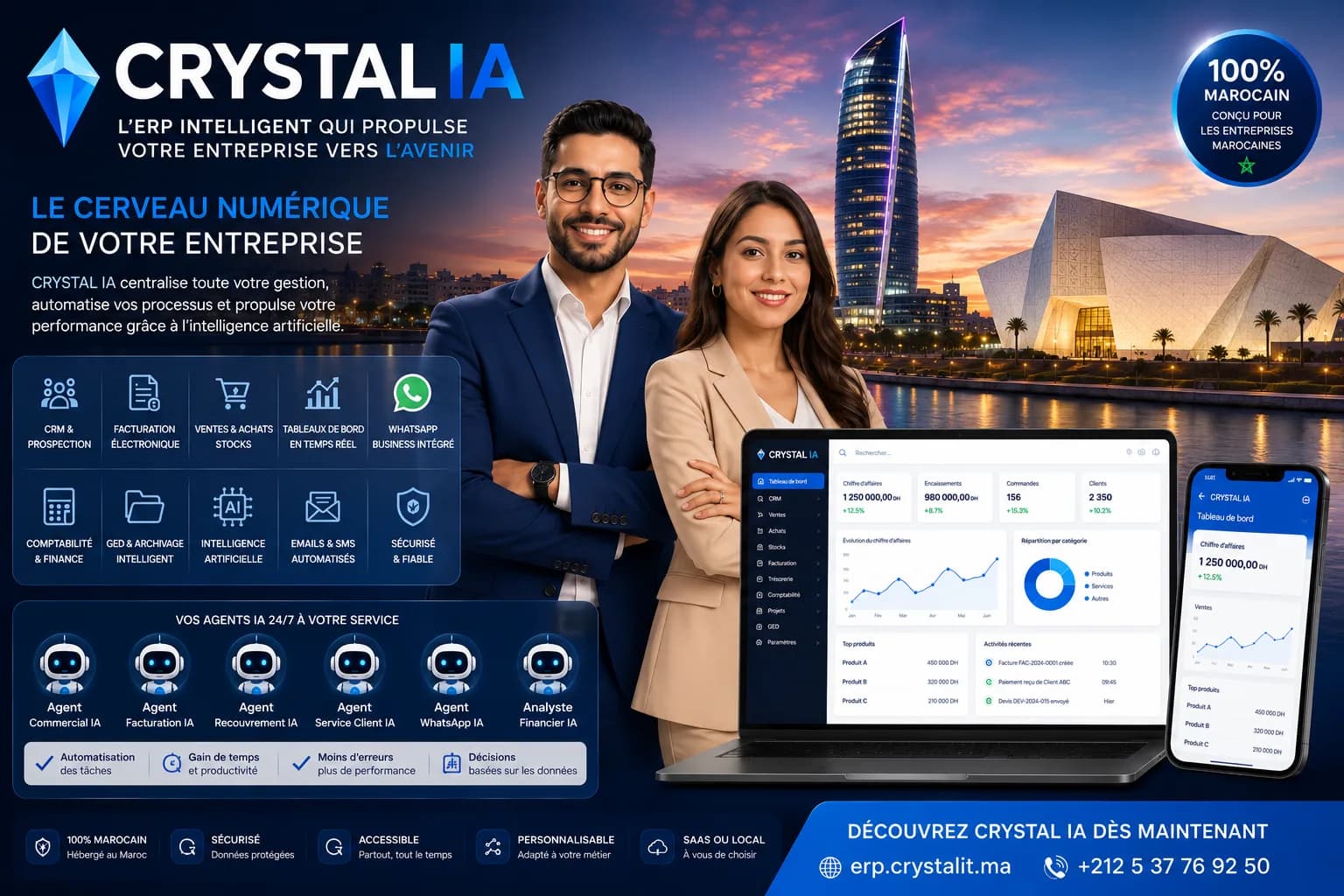
Many Moroccan SMEs are not starting from scratch: they already use management software, sometimes for ten or fifteen years. But the tool is ageing — the vendor no longer answers, updates have stopped, the software only runs on an old machine nobody dares to restart, and the DGI's e-invoicing is beyond its reach. Changing software becomes inevitable, and that is when the director's real anxiety appears: "what about my data?". Fifteen years of customers, invoices, price history and accounting cannot simply be abandoned. Data migration is the most sensitive phase of an ERP change: done well, it is invisible; done badly, it undermines confidence in the new tool for months. This guide details what to carry over (and what is better archived), the extraction and control methodology, the recurring pitfalls, and how to switch without interrupting the business — with the support of a local vendor like CRYSTAL IT, which has been carrying out these migrations to Crystal ERP (erp.crystalit.ma) for more than 20 years.
Why Moroccan companies change management software
The reasons for changing look alike from one company to the next. There is technical obsolescence: software installed on a single machine running an old version of Windows, without reliable backups, whose vendor has disappeared or no longer maintains the product. There is functional inadequacy: the business has evolved — a new warehouse, a new distribution activity, a field sales team — and the historical tool cannot keep up. There is hidden cost: bespoke developments billed for every request, expensive annual maintenance for a frozen product. And there is now compliance: the e-invoicing reform announced by the DGI (Electronic invoicing in Morocco in 2026) provides, on a progressive timetable, for structured invoices validated beforehand by its e-invoicing platform, out of reach for old software.
The trigger matters less than the decision of method: changing ERP is not buying a licence, it is a short but structured project whose core is the data migration. Before choosing the target, it is useful to revisit the selection criteria for an ERP suited to Moroccan SMEs (How to choose an ERP in Morocco: criteria, cost and mistakes to avoid) and to compare the models — configurable package or bespoke development (Custom-built ERP or off-the-shelf package: how to choose?). One point deserves very early verification: the ability to extract data from the old system. Some vendors lock exports down; you need to know this before terminating anything.
- Obsolescence: vanished vendor, discontinued updates, software dependent on a single fragile machine.
- Inadequacy: multi-warehouse, mobility, e-commerce or a new activity the historical tool does not cover.
- Frozen costs: high annual maintenance and billed developments for a product that no longer evolves.
- DGI e-invoicing: structured formats, guaranteed numbering and future transmission to the DGI platform, out of reach for old software.
- Check first: the real possibility of exporting your data from the old system, before any termination.
Which data to carry over — and which to archive
Not everything should be migrated, and wanting to carry over everything is the first cause of overruns. Three families can be distinguished. Master data — customers, suppliers, products, price lists, payment terms — is carried over in full: this is the living data, used every day. Balances and open items — partner accounting balances, stock by warehouse, open orders, unpaid invoices — are carried over at the cutover date: they form the starting point of the new system and must be accurate to the dirham. Histories — past years' invoices, old stock movements, entries from closed fiscal years — are the delicate subject: carrying them over in detail is expensive, weighs down the migration and often brings only comfort.
The healthiest practice is to carry over history in aggregated form (for example revenue by customer and by year, to preserve commercial knowledge) and to archive the detail: a complete export of the old system, frozen and consultable, kept outside the new ERP. This archive also addresses the obligation to retain accounting documents — the records of previous fiscal years must remain accessible in case of an audit, but nothing requires them to live inside the new software. The CRYSTAL IT team helps decide this scope during the framing of a Crystal ERP project (Crystal ERP, the Moroccan sales management and ERP software), according to each company's sector and obligations.
- Master data (customers, suppliers, products, price lists): full, cleaned migration — this is the living data.
- Balances at cutover (partners, stock, banks, open orders): accurate to the dirham, validated and signed off.
- Detailed history: aggregated migration (revenue by customer and year) rather than line by line, unless a proven business need exists.
- Archive of the old system: complete, frozen, consultable export — it covers the record-retention obligation.
- Digitised documents (contracts, attachments): to be inventoried separately, with their own migration plan.
The method: extract, transform, control, validate
A serious data migration follows four stages. Extraction, first: obtaining usable exports from the old system — ideally structured files (CSV, Excel) by domain. If the historical vendor is unreachable, direct access to the database or, as a last resort, targeted re-entry of the master data remains possible: it is more common than people think and it can be managed. Transformation, next: mapping the extracted data to the target format — VAT codes, product families and charts of accounts are rarely identical from one software package to another. This is where the cleanup happens: duplicates, partners inactive for years, dead products.
Control is what separates a reliable migration from an act of faith: after each import, control totals are compared between the old and the new system — number of customers, sum of balances, stock value by warehouse, aged balance. The last stage is validation by the users: the accountant checks the trial balance, the warehouse manager checks ten random references, the sales rep checks their five biggest customers. This cross-checked acceptance, formalised in a simple sign-off report, avoids the classic scenario of discovering a discrepancy three months after the switch. On the accounting side, our dedicated guide details the specific control points (Accounting software in Morocco).
- Extract by domain: partners, products, stock, accounting — structured files rather than one unreadable global export.
- Transform with a documented mapping table: VAT codes, families, chart of accounts.
- Control by totals: record counts, balances, stock value and aged balance compared between old and new systems.
- Have business users validate on real samples, with a simple acceptance report.
- Keep the extraction files: they are the evidence and the fallback point in case of later doubt.
The classic pitfalls of a data migration
Some traps recur in almost every project. The first is migrating the mess: importing a customer file riddled with duplicates as-is transfers the problem into the new tool — cleaning must precede the import, not follow it. The second is line-by-line migration of accounting history mid-year: importing detailed entries from closed fiscal years into a new chart of accounts is long, costly and error-prone; migration by opening balances at a closing date is almost always preferable. The third is invoice numbering: the new system must continue an uninterrupted, continuous sequence, a requirement of Moroccan tax regulations — the series must be designed before the first invoice is issued, not after.
The fourth pitfall is human: running the migration without the users. The accountant, the warehouse keeper, the sales assistant know the data's subtleties — that customer coded twice for historical reasons, that product with the misleading label. Excluding them from the control means depriving yourself of the only effective anomaly detectors. The fifth is the calendar: switching in the middle of peak season or the day before a VAT deadline. A clean cutover date — start of a month, ideally start of a fiscal year — simplifies everything, from opening balances to tax returns. An integrator that has already carried out dozens of migrations to Crystal ERP knows how to spot these traps upstream; that is a significant part of the value of local support.
Switching without stopping the business
The main fear of directors is interruption: "we cannot afford a week without invoicing". A well-prepared switch does not require one. The proven pattern is the fixed-date cutover with parallel preparation: while the old system keeps running, the new one is configured, master data is imported and controlled, users are trained on real cases. On D-day — a Monday at the start of a month — the balances drawn up on Friday evening are loaded, and every new transaction is done in the new tool. The old system goes read-only: you consult it, you no longer enter anything into it.
With a SaaS ERP like Crystal ERP (erp.crystalit.ma), this mechanism is lighter: no server to prepare, access opened in minutes for each user, and a module-by-module start is possible — invoicing first, then stock, then accounting (SaaS ERP: why Moroccan companies are moving to the cloud to run their…). During the first weeks, a weekly meeting between the company and the integrator handles questions as they come and fine-tunes the configuration. After the first month — first VAT return produced by the new tool, first stock count — confidence sets in and the old software finally joins the archives.
- Prepare in parallel, switch on a fixed date: the business never stops, only the entry tool changes.
- Set the old system to read-only from D-day: consultable, but no more data entry.
- Train on the company's real cases before the switch, not on demo data.
- Plan a weekly meeting with the integrator during the first month to fine-tune the configuration.
- Treat the first VAT return produced by the new tool as the migration's closing milestone.
Changing management software is no longer a high-wire act reserved for large accounts: it is a well-marked project whose decisive stage is the data migration. Carry over the essentials — cleaned master data, exact balances, aggregated history —, control by totals, have users validate and switch on a clean date: this method protects fifteen years of history while providing a healthy starting point. CRYSTAL IT, a vendor based in Rabat for more than 20 years, supports Moroccan SMEs in these migrations to Crystal ERP (erp.crystalit.ma): audit of the existing system, extraction templates, consistency checks and team training, up to the first close in the new tool. If your current software is holding you back — or will not clear the e-invoicing hurdle — contact the CRYSTAL IT team to assess your data migration from your existing system.
The CRYSTAL IT solution on this topic
Have a project or a question? Let's talk with a CRYSTAL IT expert.
Request a demo